v1.0.0 · free forever · no account

RBX FPS Unlock
Beyond 60 FPS.

Push Roblox past its default 60-frame ceiling to match your 144 or 240 Hz monitor. Choose your target FPS or go unlimited, then switch back to stock settings with one button if you change your mind.

No watermarks or overlaysFree forever, no adsFully reversible with one clickv1.0.0
Uncap to 144, 240, or unlimitedOne-click apply and resetMatches high refresh monitorsWindows 10 and 11No account needed
RBX FPS Unlock app window on Windows
Why it matters

Why not just edit the config yourself.

Because finding the right FastFlag values, testing which ones stick, and resetting them is friction you don't need.

01

Targets your actual refresh rate

You tell RBX FPS Unlock whether your monitor is 144 or 240 Hz, and it applies the matching TaskScheduler flag. No hunting through documentation or guessing which value works. The tool knows the trade-offs for each cap and applies the one that holds steady under real load.

02

Cleans up after itself

Hit Reset Flags and the tool removes every change it made, returning Roblox to defaults in seconds. Your save files, passes, and account are untouched—only the performance tuning goes away.

03

Short, normal install

One download with a standard Windows installer inside. Install it like any other app, and remove it from Windows settings whenever you want.

04

Repeats what Roblox already allows

Every flag the tool writes is one Roblox itself recognizes and honors in its client code. This isn't injection or patching—it's plain-text config editing, the same method used by the broader FastFlag community.

Quick start

Set your frame cap in four steps.

From download to 144 FPS takes less than a minute.

Your questions answered

Common questions about frame unlocking.

Will RBX FPS Unlock get me banned?

The tool writes FastFlags to a config file Roblox already honors internally. It doesn't inject code, patch memory, or modify the game client—it's the same method used across the open-source FastFlag community. Check your game's rules before using any performance tools; RBX FPS Unlock makes no claims about account safety and doesn't defend against detection.

Can I switch back to 60 FPS anytime?

Yes. The Reset Flags button removes every change the tool made and returns Roblox to its default state in one click. Your game data stays intact.

Does it work on low-end PCs?

RBX FPS Unlock applies the flags, but whether your PC can actually sustain 144 FPS depends on your hardware. On weak machines, you may hit a ceiling before reaching your target frame rate—but the tool gets you as close as the config allows.

What if my monitor is 60 Hz?

You can still uncap Roblox to 120 or 144 FPS if you want smoother input response, even if your screen can't display all the frames. But if your monitor is capped at 60 Hz, uncapping the game won't visually show more than 60 frames per second on screen.

Do I need admin rights?

RBX FPS Unlock modifies files in your user folder, which typically doesn't require elevation. If Roblox is installed to Program Files or another protected directory, Windows may prompt for admin when you apply flags—this is normal.

Does it clean up cache automatically?

Yes. When you click Apply, the tool also purges Roblox cache files and temporary logs, freeing up disk space. It shows you how many MB were reclaimed.

Can I use it on multiple PCs?

Yes. RBX FPS Unlock is free and has no account system, so you can install it on as many Windows PCs as you own and use it the same way on each.
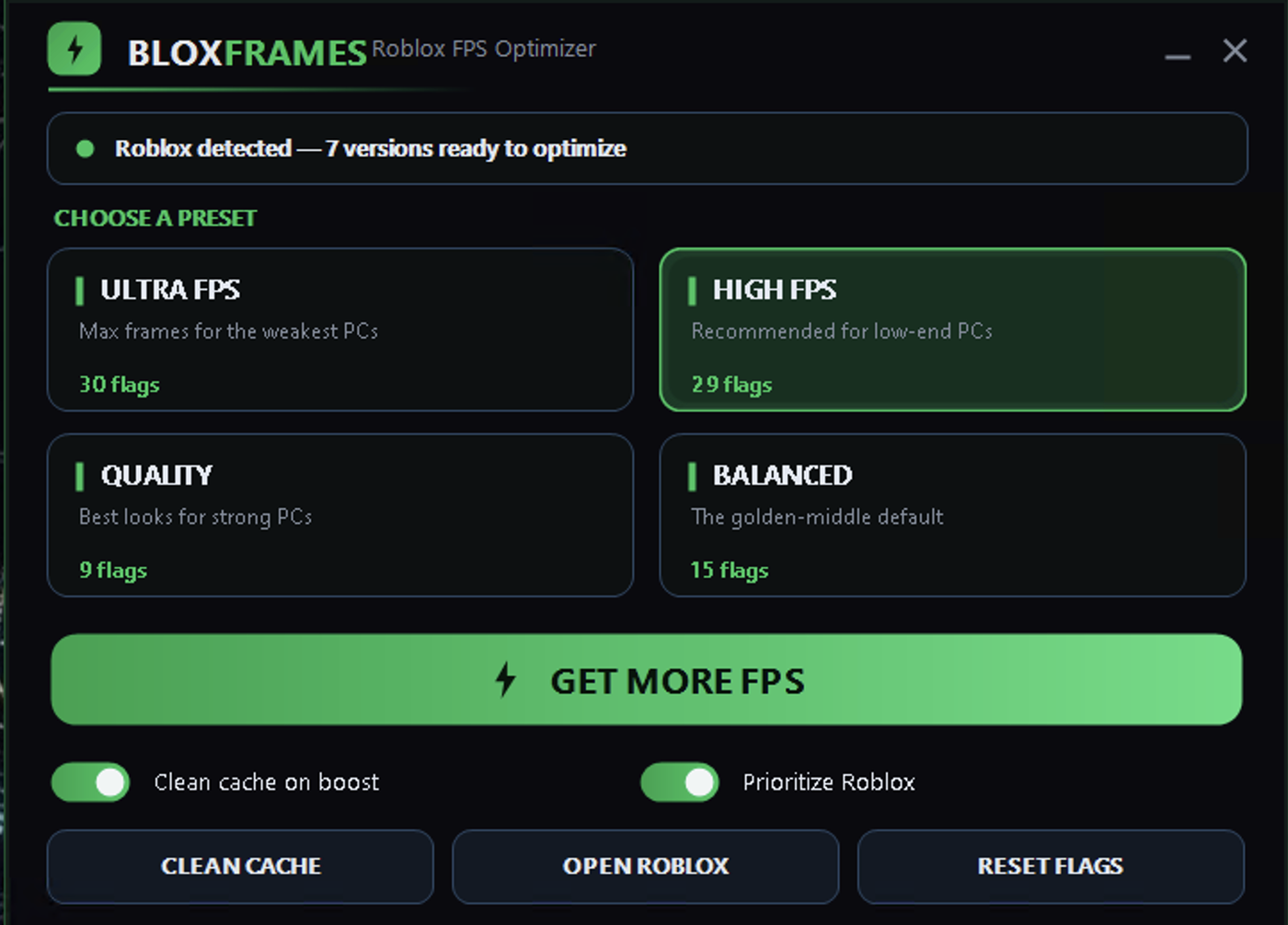
Real-world results
Inside the appRBX FPS Unlock window

Frame rate lifts where it counts most.

RBX FPS Unlock writes the exact frame-rate flags Roblox recognizes internally, so your monitor gets the full refresh it's built for. The difference shows up not just on an empty baseplate, but when combat load hits and frame pacing matters.

Steady 144 FPS in raidsFrames hold flat when the action kicks off, not spiking on idle and dropping under load.
Match your screen refreshIf you own a 144 or 240 Hz monitor, Roblox finally uses it instead of locking to 60.
Instant revert to vanillaReset button strips out every flag change in one pass, leaving Roblox exactly as it was.
Versus manual editing

How RBX FPS Unlock stacks against manual tweaking.

Editing flags by hand works, but it's slow and error-prone.

Finding the right values
Built-in presets
Hunt through docs or forums
Applying to all Roblox versions
One click, all versions updated
Repeat for each install
Reverting changes
One Reset button
Manual file editing again
Testing different frame caps
Switch presets instantly
Restart and re-edit each time
Knowing if it worked
Visual confirmation in-game
Launch and hope
Time to first 144 FPS
Less than 2 minutes
30+ minutes of research

Stop leaving frames on the table.

If your monitor is 144 Hz or higher and Roblox is still locked to 60, download RBX FPS Unlock now and match your screen to your hardware.

Download for Windows
Latest release · v1.0.0

RBX FPS Unlock guides